
How it Works



💡 Did you know?
Deleting an article doesn't delete its images—it only removes the links to them. That's why deleting content doesn't free up disk space. Media Audit Pro shows you exactly which media files are still in use and which ones can be safely removed.
What Are Analyzers?
Media Audit Pro™ uses Analyzers to understand how Joomla extensions use digital assets.
Each Analyzer adds support for a specific extension, showing Media Audit Pro™ where it stores its media references.
Official, third-party, and custom Analyzers work together, allowing Media Audit Pro™ to support virtually any Joomla website.
Some Official Analyzers
Analyzers are automatically discovered when installed and enabled. As your website grows, Media Audit Pro™ can be extended with Official, Third-party, and Custom Analyzers, meaning there's no practical limit.
Asset Intelligence Report
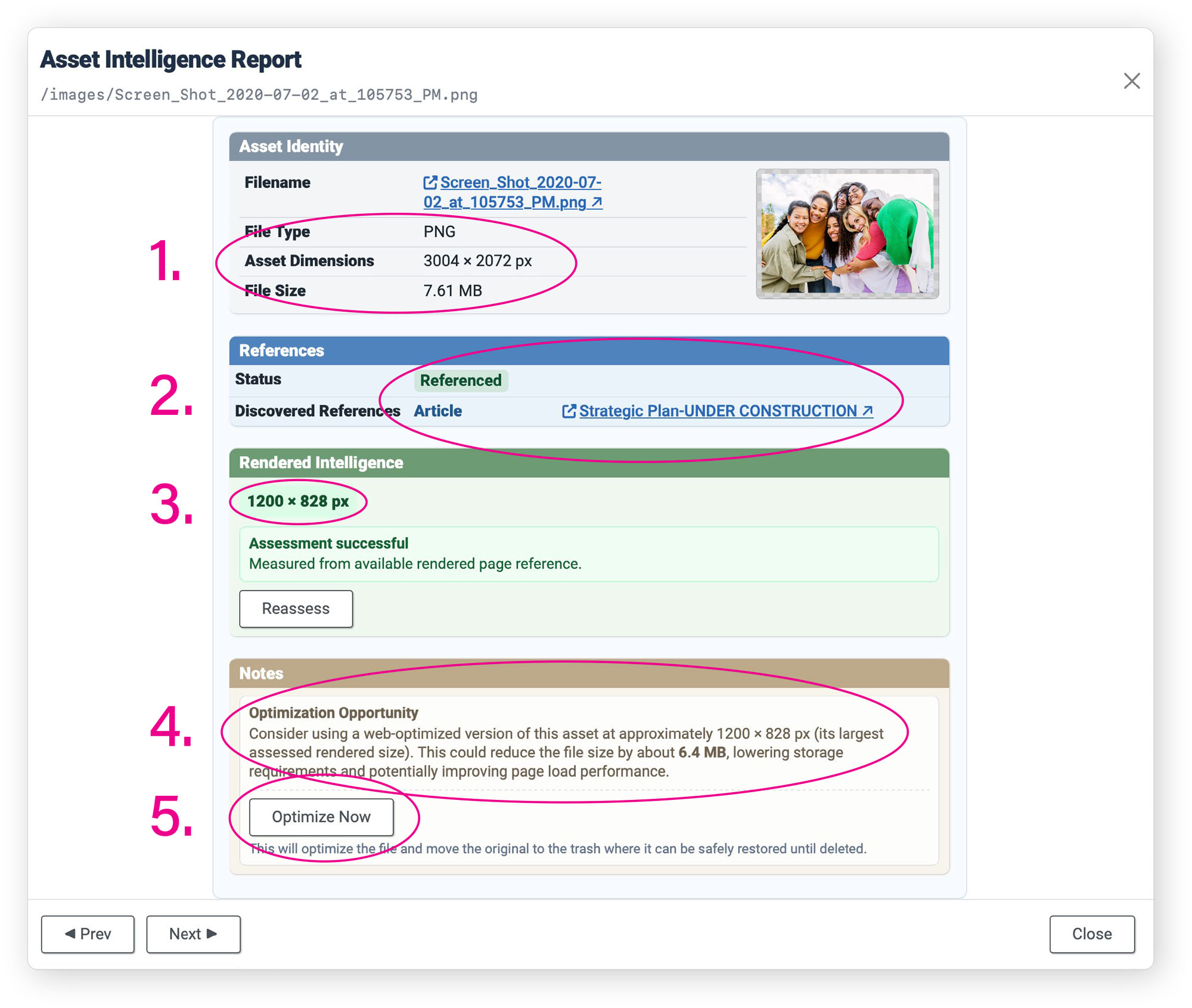
The Asset Intelligence Engine™ allows Media Audit Pro™ to generate rich Asset Intelligence Reports, enabling you to make important decisions about your assets as used on your website.
- The familiar Asset Identity information from Joomla's Media Manager
- References provides live links to an asset's referenced uses as discovered by active Analyzers
- When Rendered Intelligence can be assessed, it will report the asset's display dimensions.
- Actionable Asset Optimization Advice is provided when it's important.
- Optimize Now: appropriately auto-resize the asset and safe-move the original to the trash.

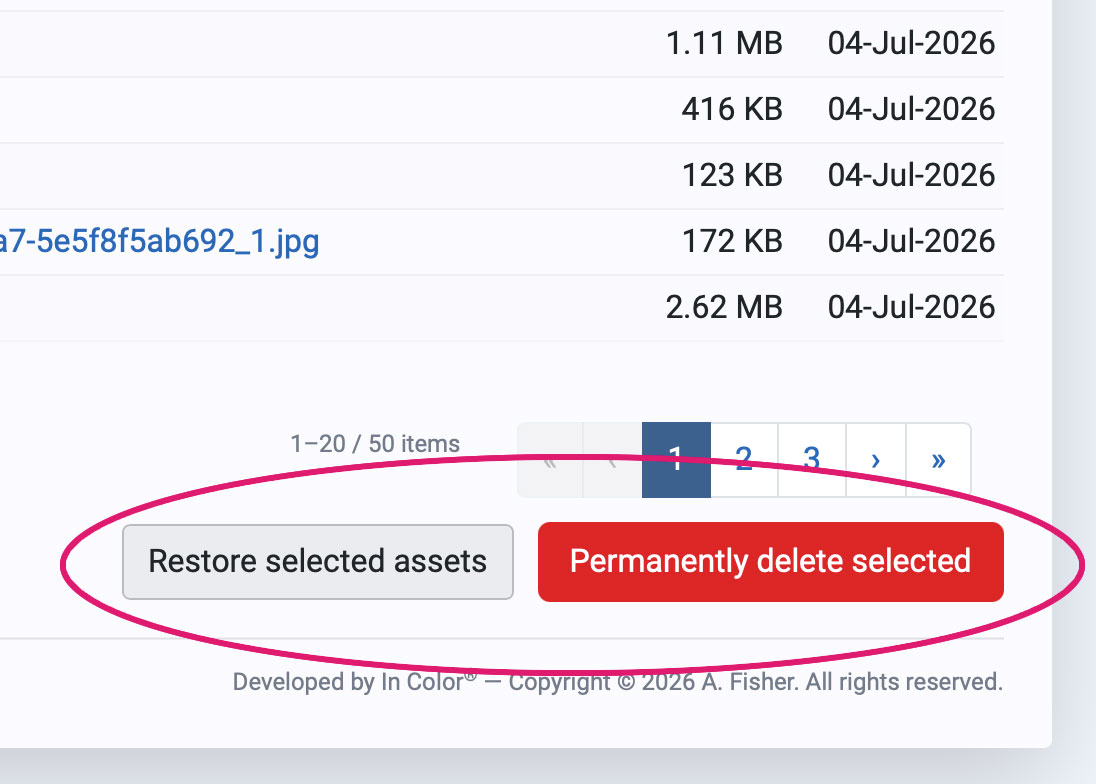
Joomla is careful with your content. Trash an article and it waits for you. Change your mind a week later and it's still there. That safety net covers articles, contacts, modules, menu items, categories — the whole content side of the CMS.
It does not cover a single file in your media folders. Delete an image and it is gone that instant. No trash, no undo, no thirty-day grace period. Restoring it means going to your backups, if you have them, and knowing which one to go to.
This is why so many Joomla sites carry years of accumulated images nobody dares touch. Not because the files are needed, but because being wrong is permanent and being cautious is almost free.
Why isn't being wrong free? Because websites are not storage lockers. They work best when they're nimble. Good asset hygiene makes finding the right version of the logo quick and easy. Also, good website administration includes regular back-ups and off-site storage. Including a "storage locker" in each of these is not a good use of resources. Lastly, it's not only about the size of your backups; optimized media means your clients don't download unnecessary bulk.