

Custom Analyzers (Pro)
The Custom Analyzers page is found under Components → Media Audit Pro™ → Custom Analyzers. It lists every Custom Analyzer you've defined on this site.
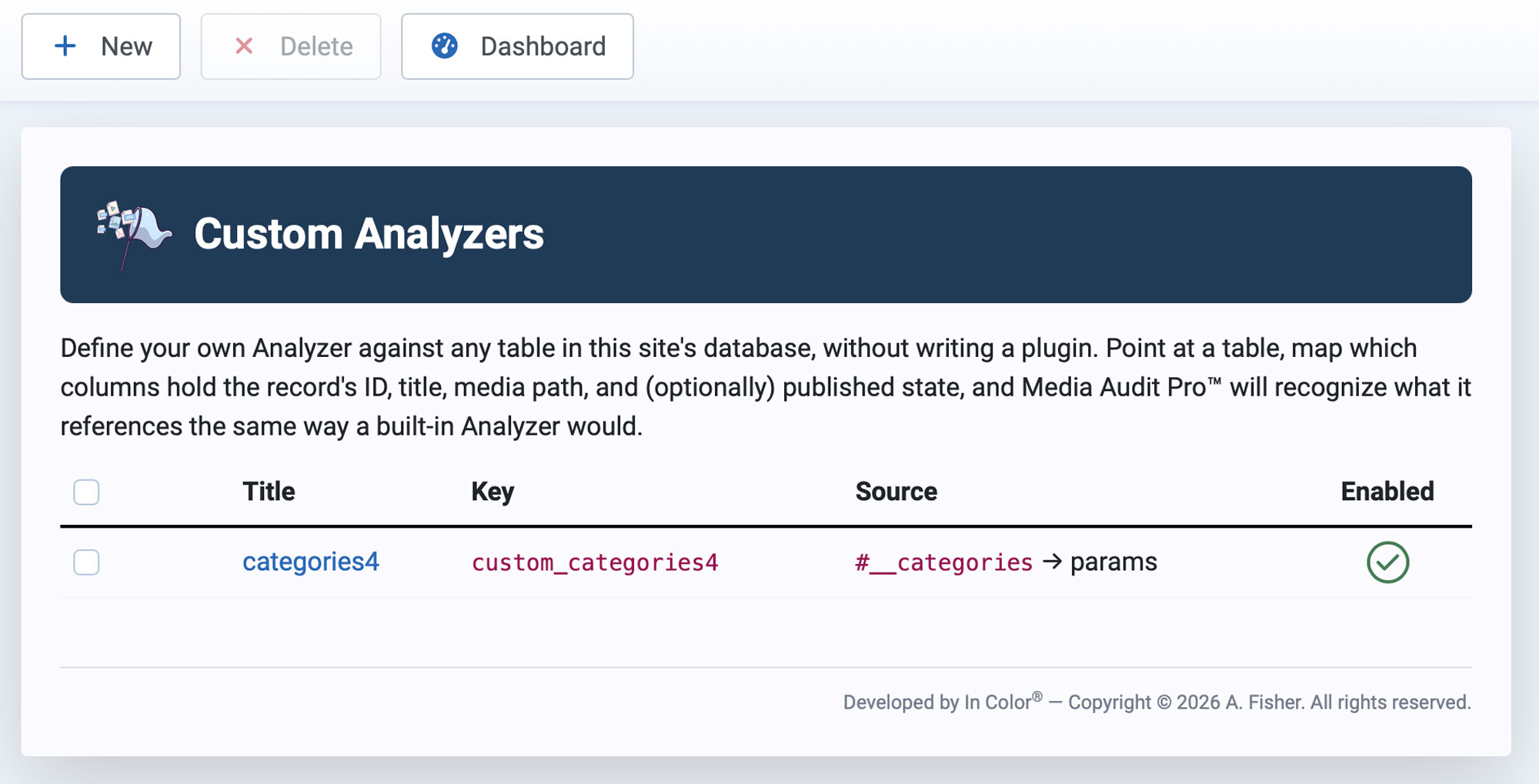
Define your own Analyzer against any table in this site's database, without writing a plugin. Point at a table, map which columns hold the record's ID, title, media path, and (optionally) published state, and Media Audit Pro™ will recognize what it references the same way a built-in Analyzer would.
The List
Each row shows:
- Title — the Custom Analyzer's display name. Click it to open the analyzer for editing.
- Key — its machine name, either entered manually or auto-generated from the Title.
- Source — the table and Image Path Column it reads from, shown as
table → column(for example,#__categories → params). The#__prefix is Joomla's placeholder for your site's actual table prefix. - Enabled — a green checkmark means the analyzer is currently included in scans; if disabled, this column is empty or shows a different indicator.
Toolbar
- New — opens a blank Custom Analyzer form to define a new one. See Creating a Custom Analyzer for a full field-by-field guide with worked examples.
- Delete — select one or more analyzers with the row checkboxes, then click Delete to remove them. This only removes the Custom Analyzer definition, not any media assets or the source extension's own table.
- Dashboard — returns you to MAT's main Dashboard.